
ClockFire
English

ClockFire Digital Photo Frame

Desk & Bedside Clock in Flames

Your photos, with the time drawn in living fire. 3D transitions, Live Scenes like a cozy fireplace or northern lights, and snow or rain that follows the sky outside.

Download on the App Store

Free on iPhone, iPad, Mac and Apple TV

Turn your iPad, iPhone, Mac, or Apple TV into a living digital photo frame, with the time written in real fire. A beautiful desk, bedside, and night clock over your favorite photos, with cinematic transitions, Live Scenes, and atmospheres.

ClockFire first lit up screens in 2010. ClockFire 2 is a complete rebirth: rebuilt from scratch with Metal and rendered in real time on iPad, iPhone, Mac, and Apple TV.

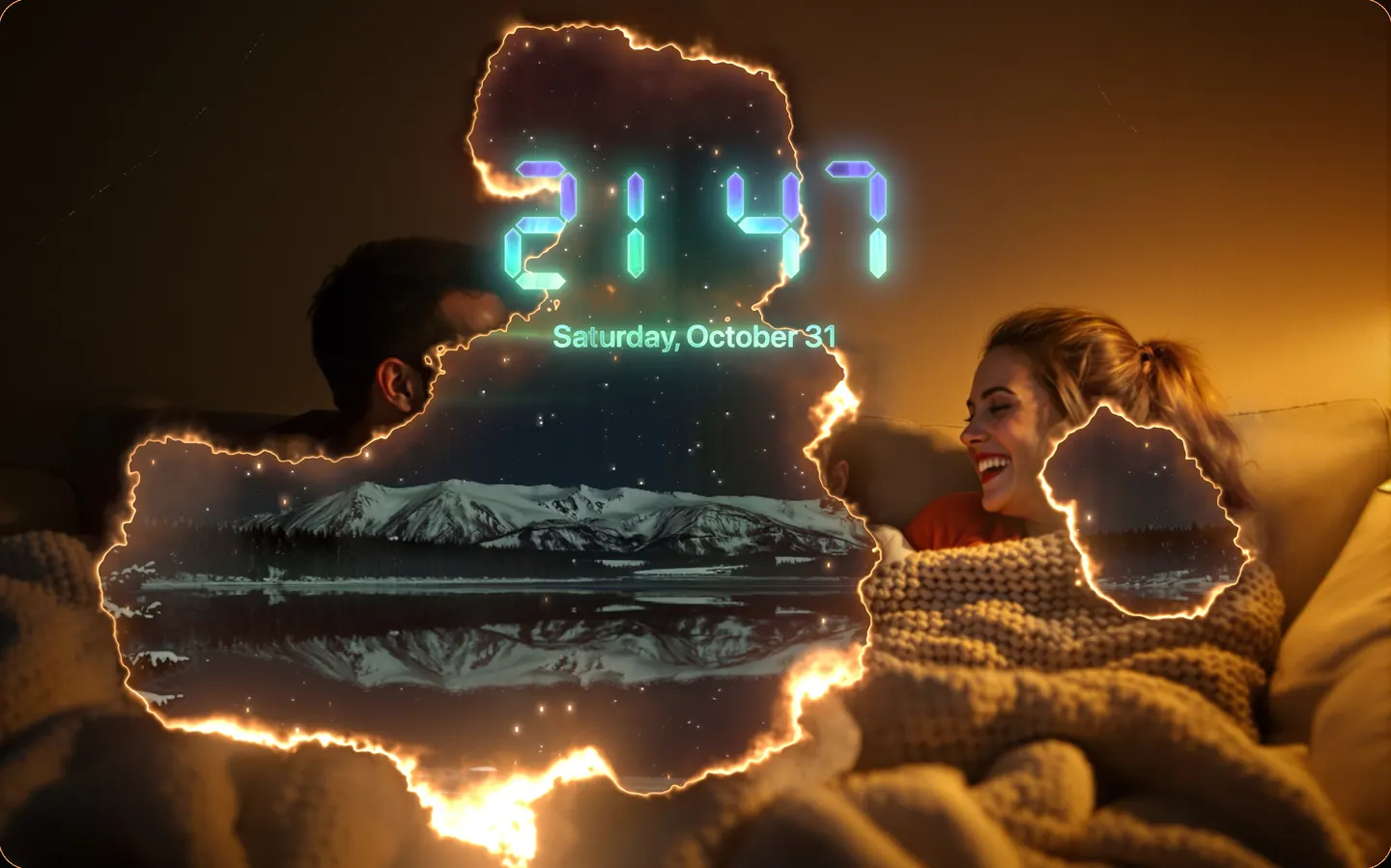
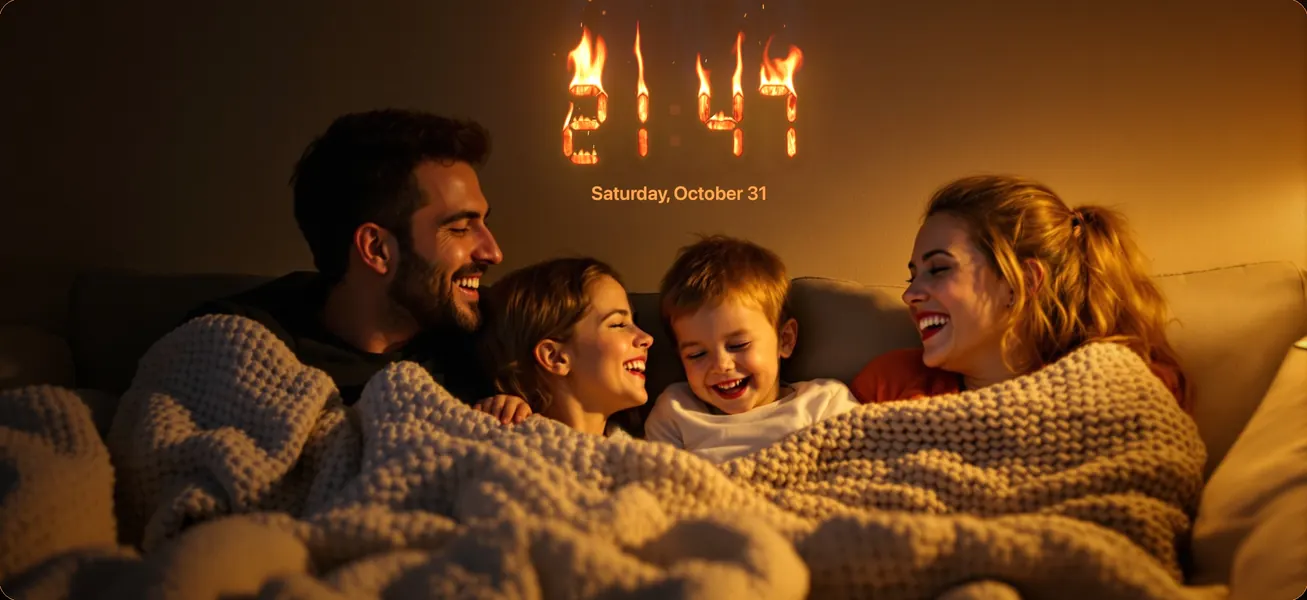
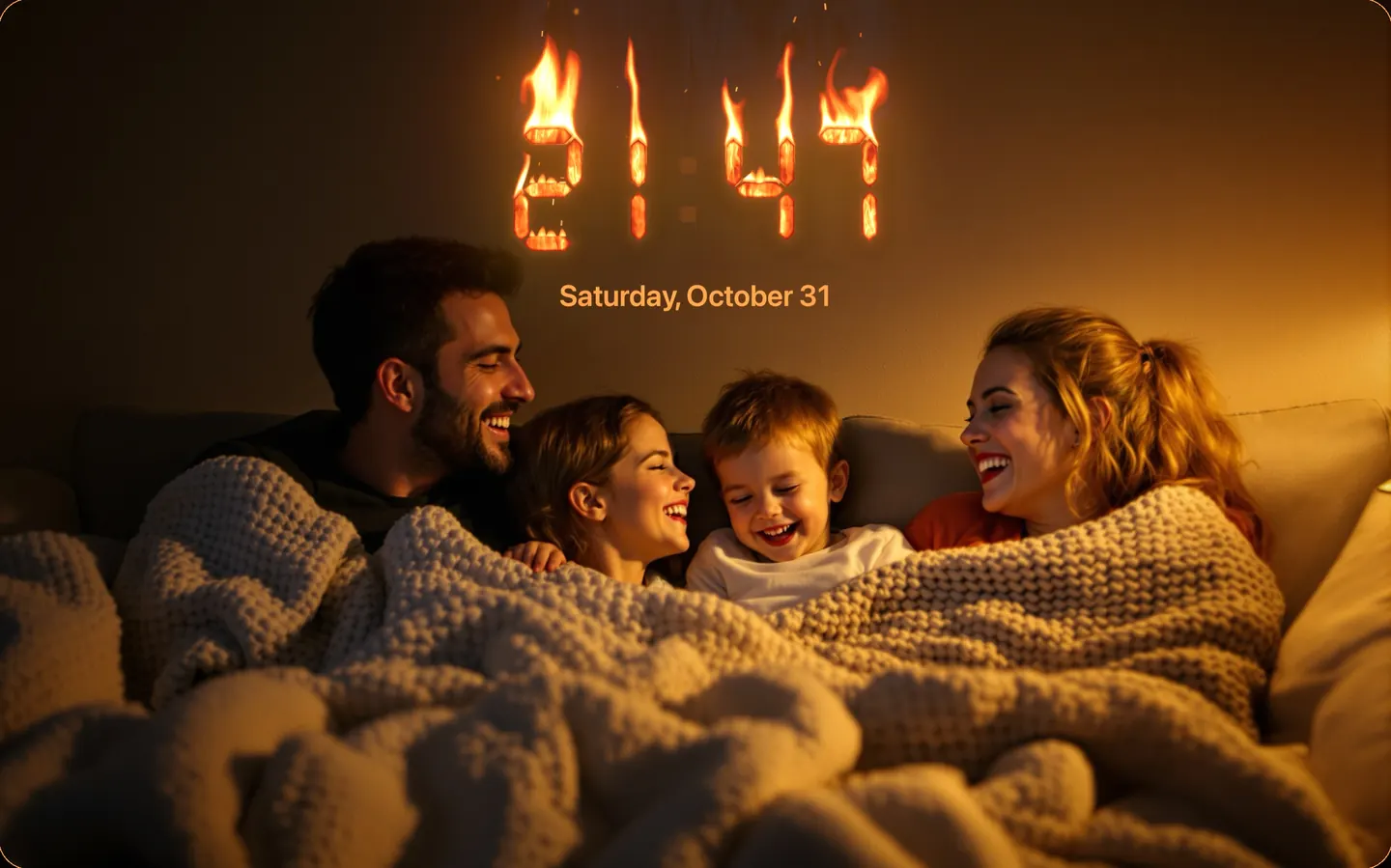
A clock made of real fire

YOUR PHOTOS, BEAUTIFULLY FRAMED

  • Show albums, Favorites, and On This Day memories from your photo library, or import your own photos
  • Start right away with more than 40 stunning sample photos
  • Smart framing keeps faces and subjects in view
  • Slow, cinematic Ken Burns pan and zoom
  • Two portrait photos side by side on landscape screens
  • Discreet captions with the date and place
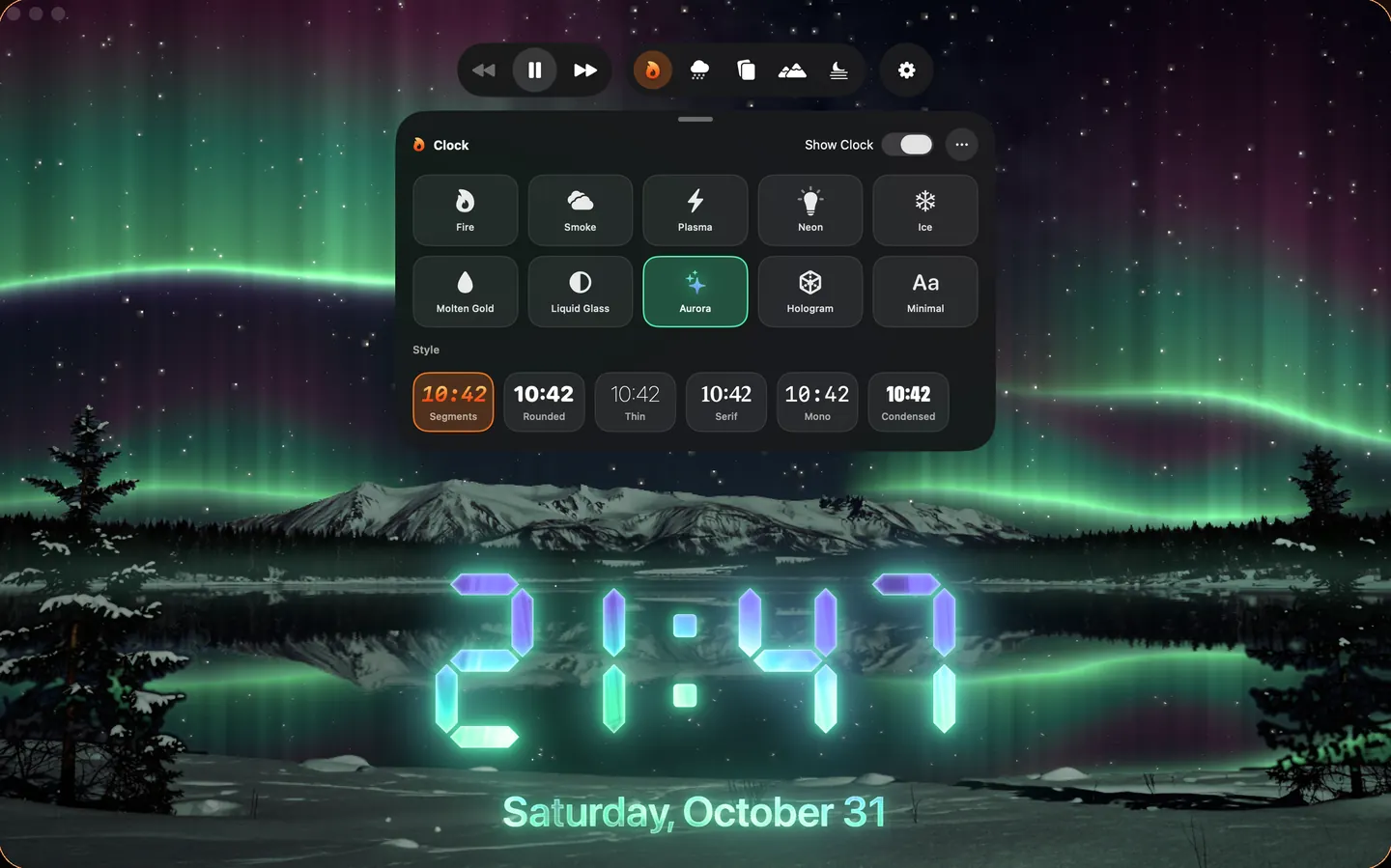
10 clock effects. Your style.

A CLOCK MADE OF FIRE

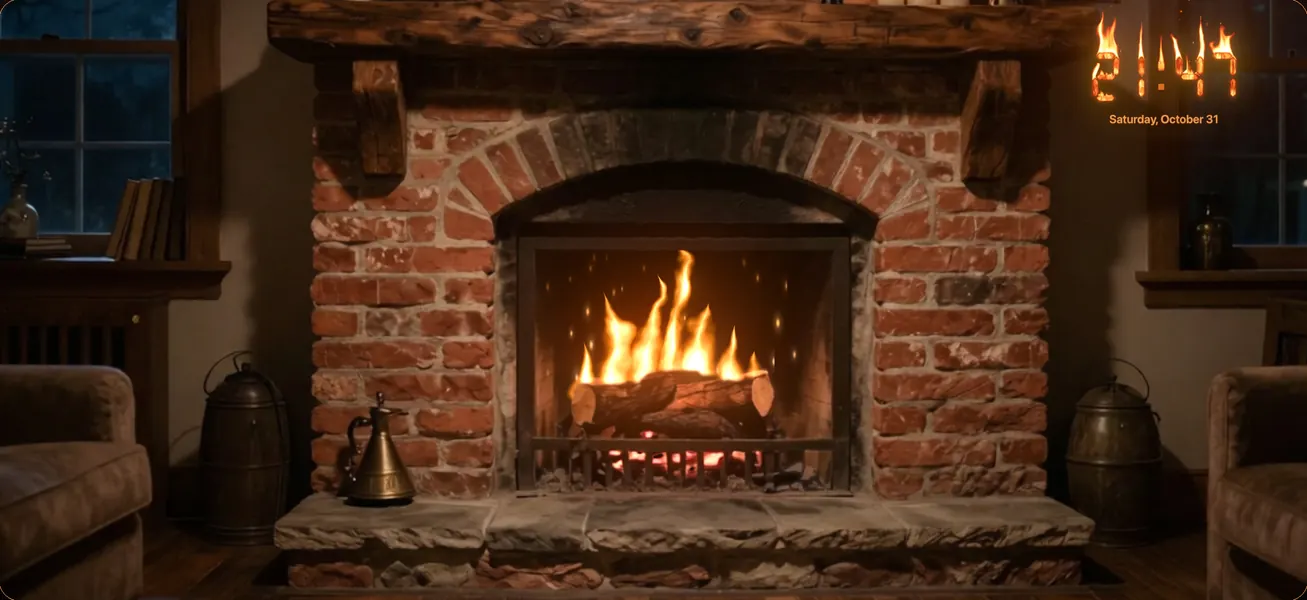
  • Real-time flames, embers, and heat haze
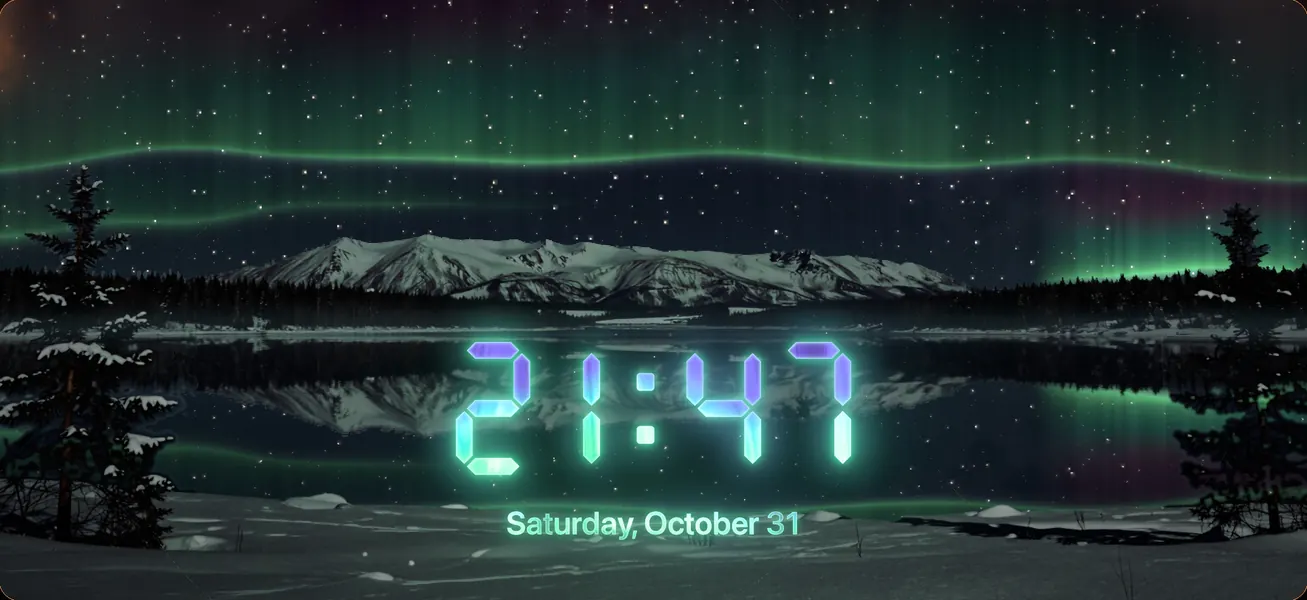
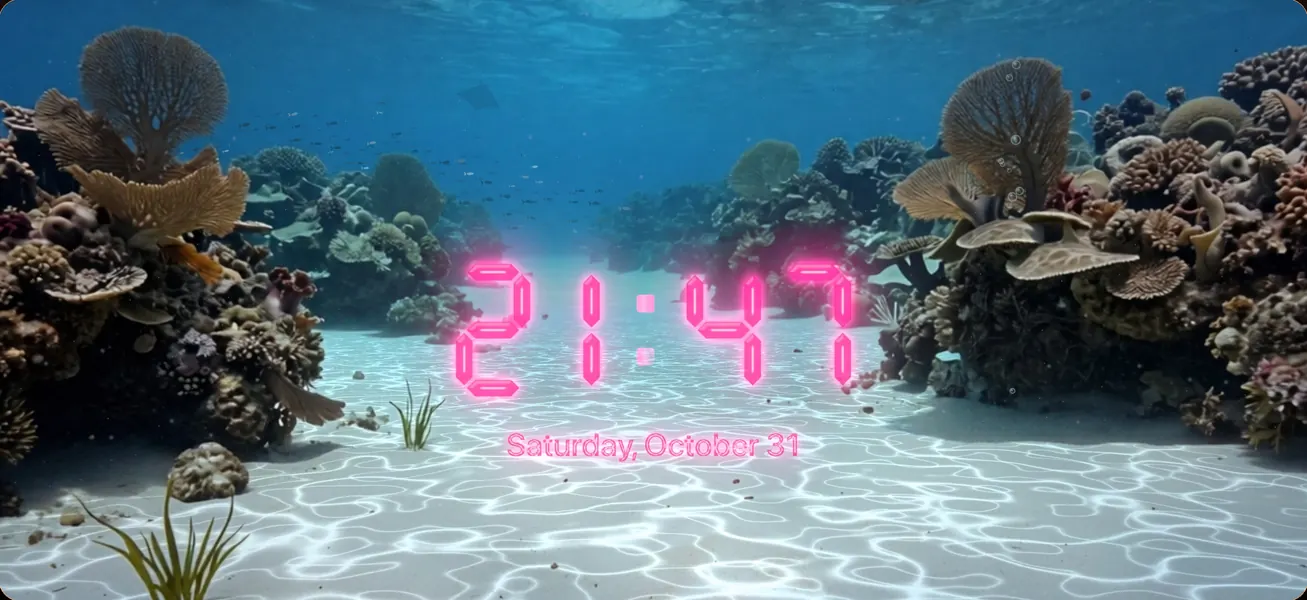
  • More effects to match your mood: Smoke, Plasma, Neon, Ice, Molten Gold, Liquid Glass, Aurora, Hologram, and Minimal
  • Several clock styles, from 7-segment to rounded, thin, and serif
  • Your favorite colors, plus the date
  • Local weather, with temperature and conditions
  • Time and date formats that follow your region settings
Cinematic transitions

CINEMATIC TRANSITIONS

  • The 20 ClockFire classics, reimagined in 3D: flips, page turn, tiles, waves, ripple, twirl…
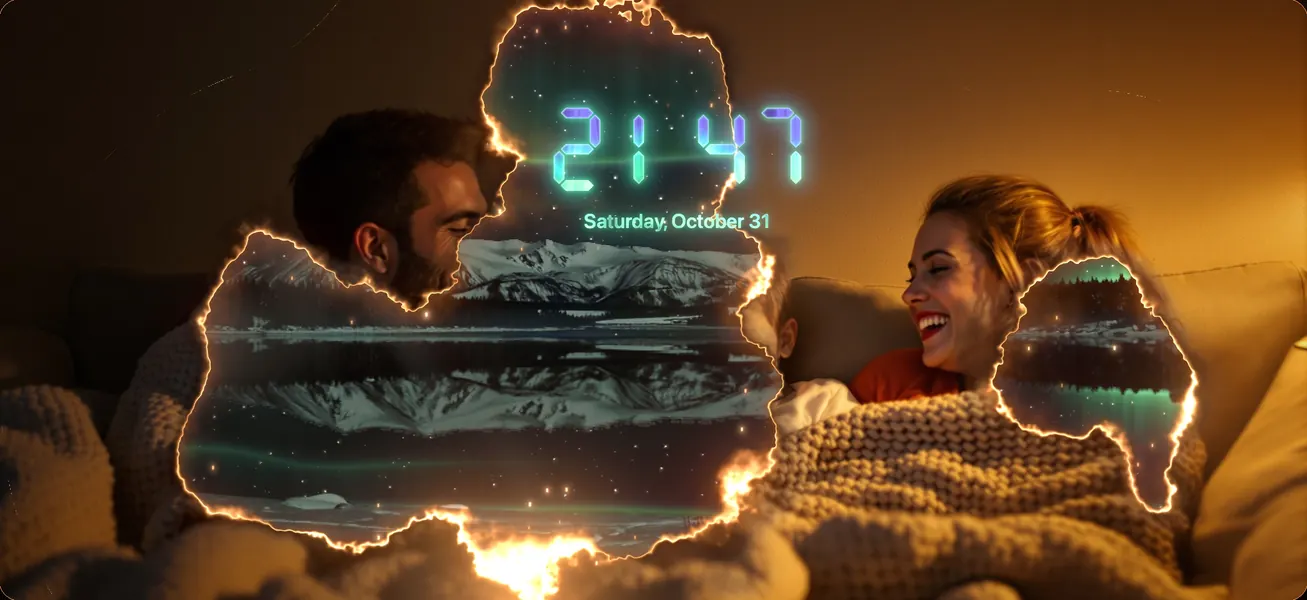
  • Spectacular new ones: burning paper, page curl, glass shatter, cube, dust, ink, water drop…
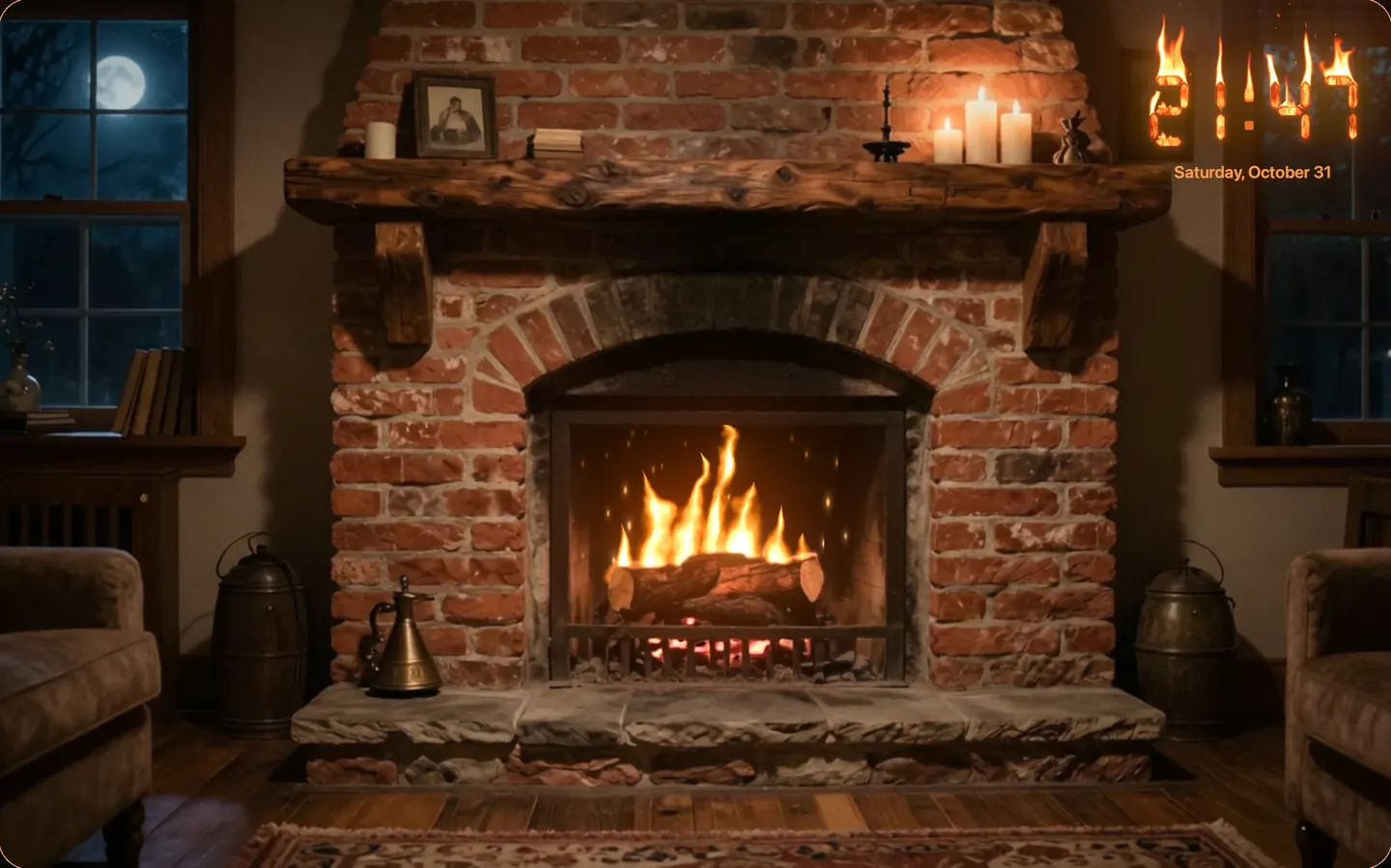
Cozy evenings by the fire

LIVE SCENES

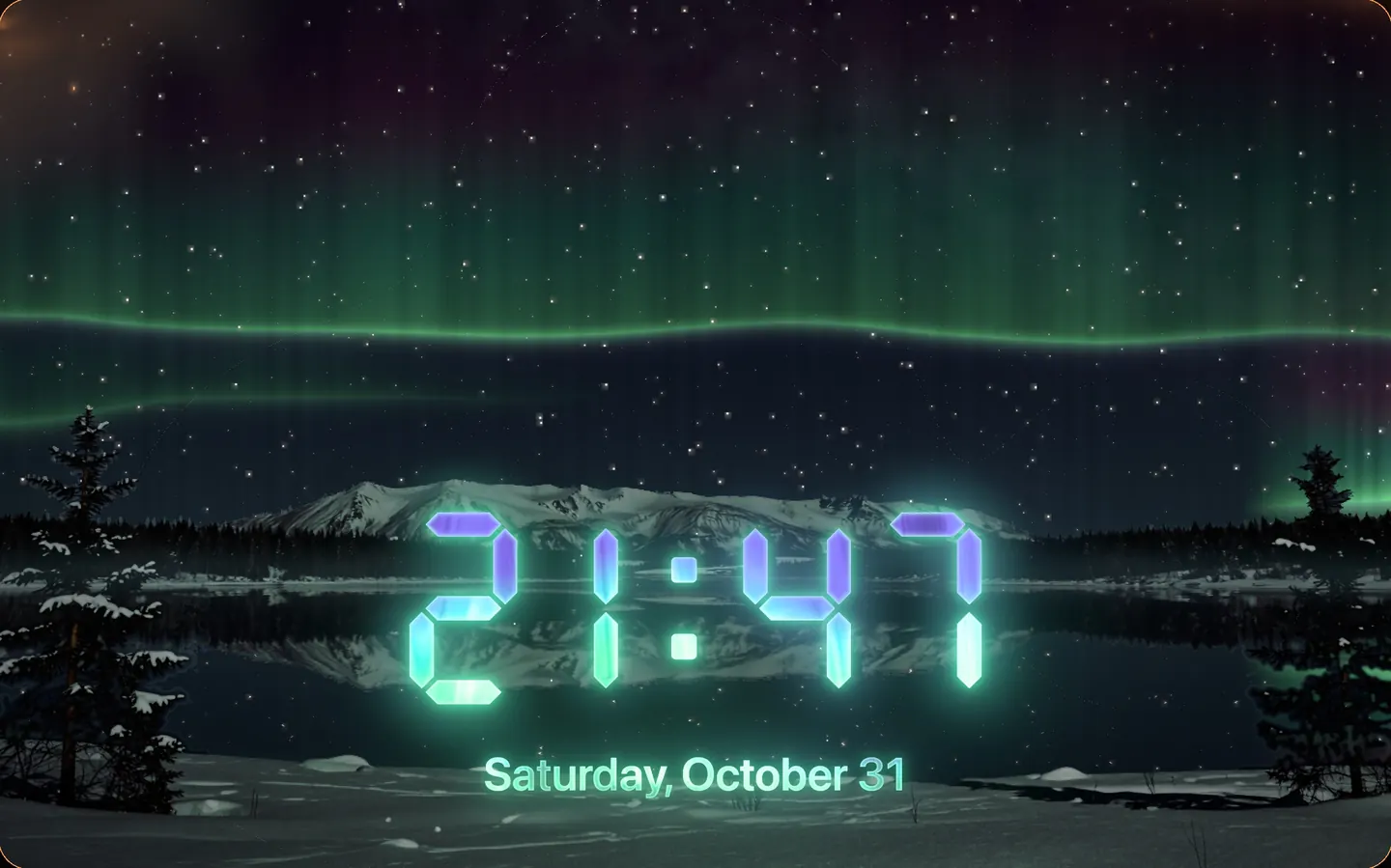
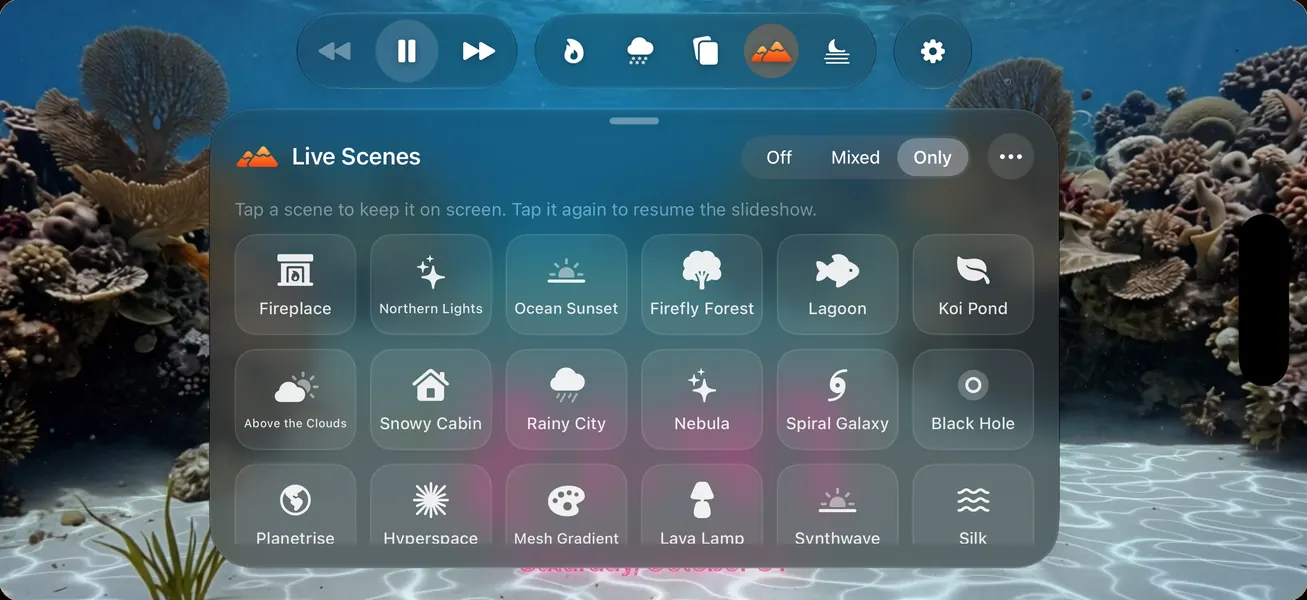
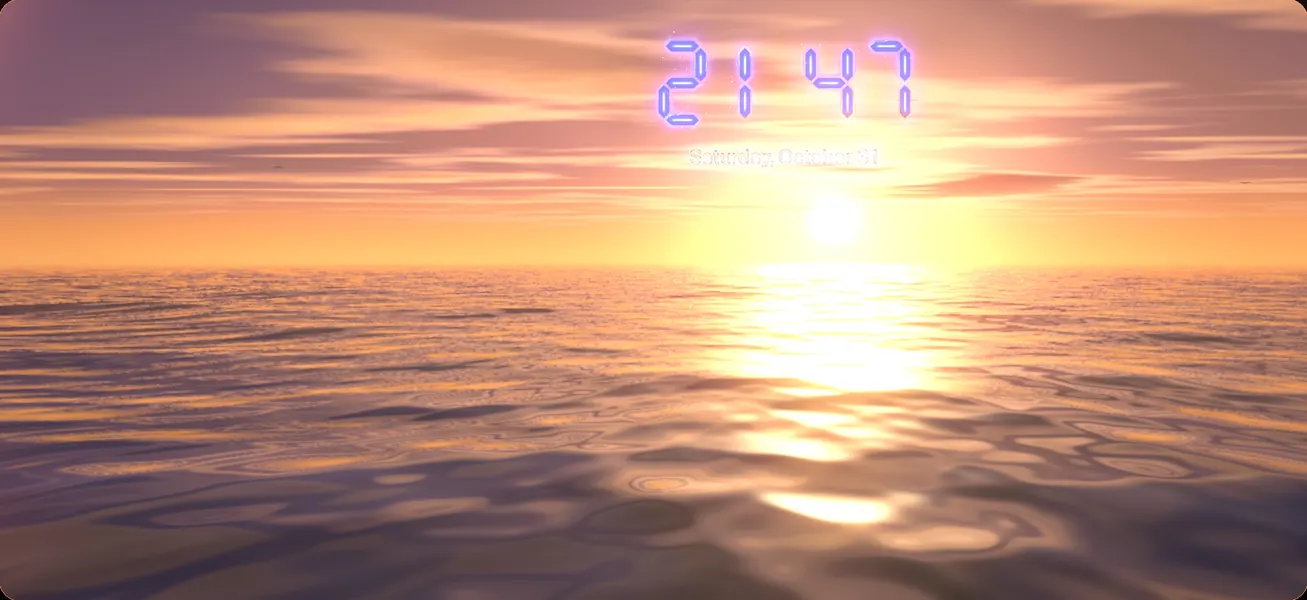
Animated paintings rendered in real time between your photos: a cozy fireplace, northern lights, an ocean sunset, a misty forest with fireflies, an underwater lagoon, a koi pond, a black hole, a nebula, a spiral galaxy, a lava lamp, synthwave, and more.

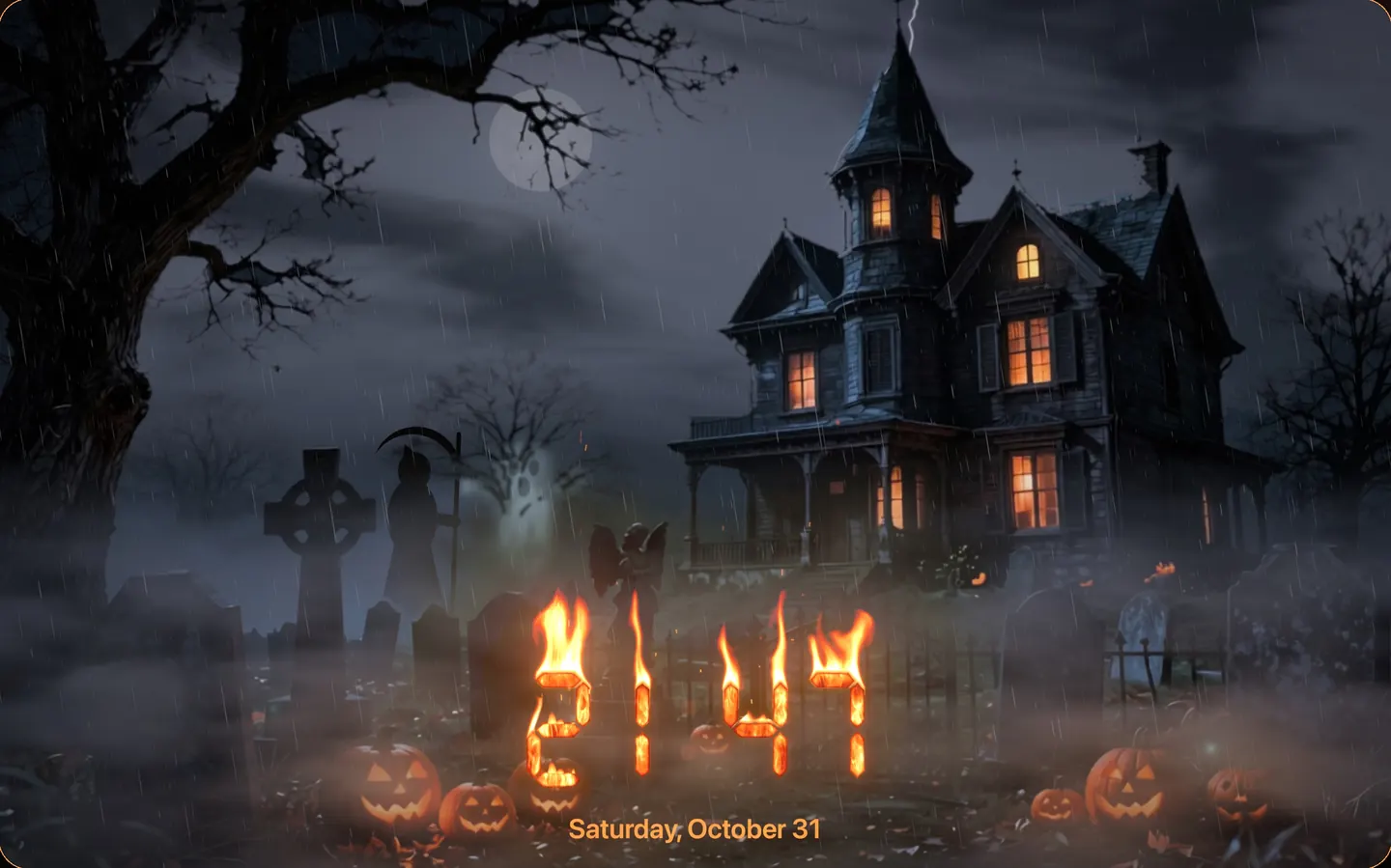
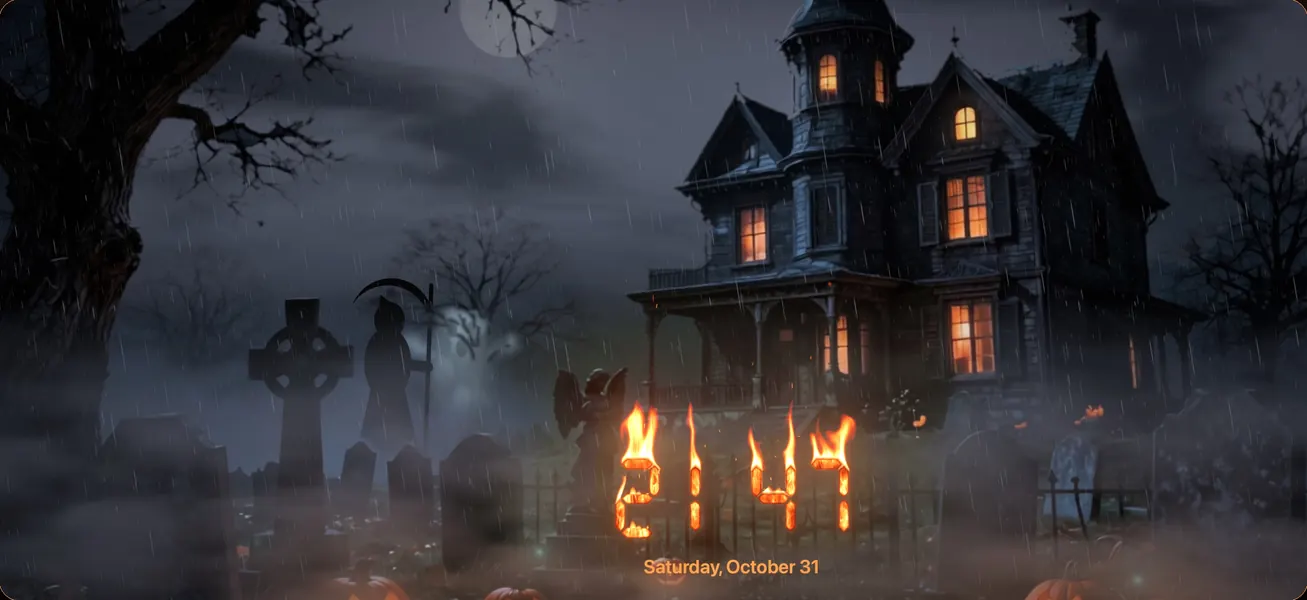
Halloween comes alive

ATMOSPHERES

Snow, rain, rain on glass, fireflies, cherry blossoms, autumn leaves, embers, shooting stars, mist, bubbles, and light rays. Choose Seasons to follow the time of year, or Live Weather to bring the sky outside onto your frame: when it rains outside, it rains on your photos.

Living scenes between your photos

MADE FOR DAY AND NIGHT

  • Night mode dims the frame, keeps only the clock, or turns the screen off on a schedule
  • HDR glow on XDR displays
  • Keeps the screen awake, like a screensaver for your desk, nightstand, or kitchen
  • Tap for controls, swipe for the next or previous photo, drag and pinch the clock, double-tap for settings
  • Menus and keyboard shortcuts on Mac, full remote support on Apple TV

On iPhone, too

A clock made of real fire Halloween comes alive Cinematic transitions Living scenes between your photos A gallery of live scenes Dive into calm Golden hour, any time Cozy evenings by the fire

FREE, WITH AN OPTIONAL ONE-TIME UPGRADE

ClockFire is free to download and includes unlimited photos, the Fire and Minimal clocks, 10 transitions, 2 Live Scenes, snow and rain, and night mode.

ClockFire Pro is a one-time purchase, with no subscription. It unlocks every clock effect and color, all transitions, all Live Scenes, all atmospheres, and local weather on the clock. Not sure yet? Preview any Pro feature live for 30 seconds.

Download on the App Store

Weather data provided by Apple Weather.

ClockFire support

Contact

A question, a problem, an idea? Write to us at contact@skrobs.com. We read every message.

Frequently asked questions

How do I choose the photos?

Open Settings, then Photos: choose albums from your photo library, your Favorites, On This Day memories, or import your own photos. The sample photos are there to start right away.

How do I move or resize the clock?

On iPhone and iPad, drag the clock and pinch to resize it. On Mac, drag the clock with the mouse; to resize it, pinch on the trackpad, turn the mouse wheel over the clock, press ⌘+ or ⌘−, or use the Clock menu. On Apple TV, open Settings, then Clock, then Move the Clock, and use the remote.

I bought ClockFire Pro. How do I get it on my other devices?

ClockFire Pro is a one-time purchase. It works on iPhone, iPad, Apple TV and Mac with the same Apple Account, and with Family Sharing. If it does not appear, open Settings, then ClockFire Pro, and choose Restore Purchases.

Why does ClockFire ask for my location?

Only to show the local weather, if you turn it on. ClockFire uses your approximate location and keeps nothing. See the privacy policy.